17:14
Capcom breach exposes 11.7 million account records worldwide

16:56
Anthropic introduces Claude Duet, an AI assistant that checks in first

16:32
Hugging Face’s new AI lets scientists chat with DNA

19:26
Government websites across Europe go offline over critical PHP flaws

17:37
Agile Robots unveils Nvidia-powered humanoid built to learn new skills

13:30
PHP warns website owners to prepare for emergency security updates
17:14
Capcom breach exposes 11.7 million account records worldwide
16:56
Anthropic introduces Claude Duet, an AI assistant that checks in first
16:32
Hugging Face’s new AI lets scientists chat with DNA
19:26
Government websites across Europe go offline over critical PHP flaws
17:37
Agile Robots unveils Nvidia-powered humanoid built to learn new skills
13:30
PHP warns website owners to prepare for emergency security updates
17:14
Capcom breach exposes 11.7 million account records worldwide
16:56
Anthropic introduces Claude Duet, an AI assistant that checks in first
16:32
Hugging Face’s new AI lets scientists chat with DNA
19:26
Government websites across Europe go offline over critical PHP flaws
17:37
Agile Robots unveils Nvidia-powered humanoid built to learn new skills
13:30
PHP warns website owners to prepare for emergency security updates
17:14
Capcom breach exposes 11.7 million account records worldwide
16:56
Anthropic introduces Claude Duet, an AI assistant that checks in first
16:32
Hugging Face’s new AI lets scientists chat with DNA
19:26
Government websites across Europe go offline over critical PHP flaws
17:37
Agile Robots unveils Nvidia-powered humanoid built to learn new skills
13:30
PHP warns website owners to prepare for emergency security updates

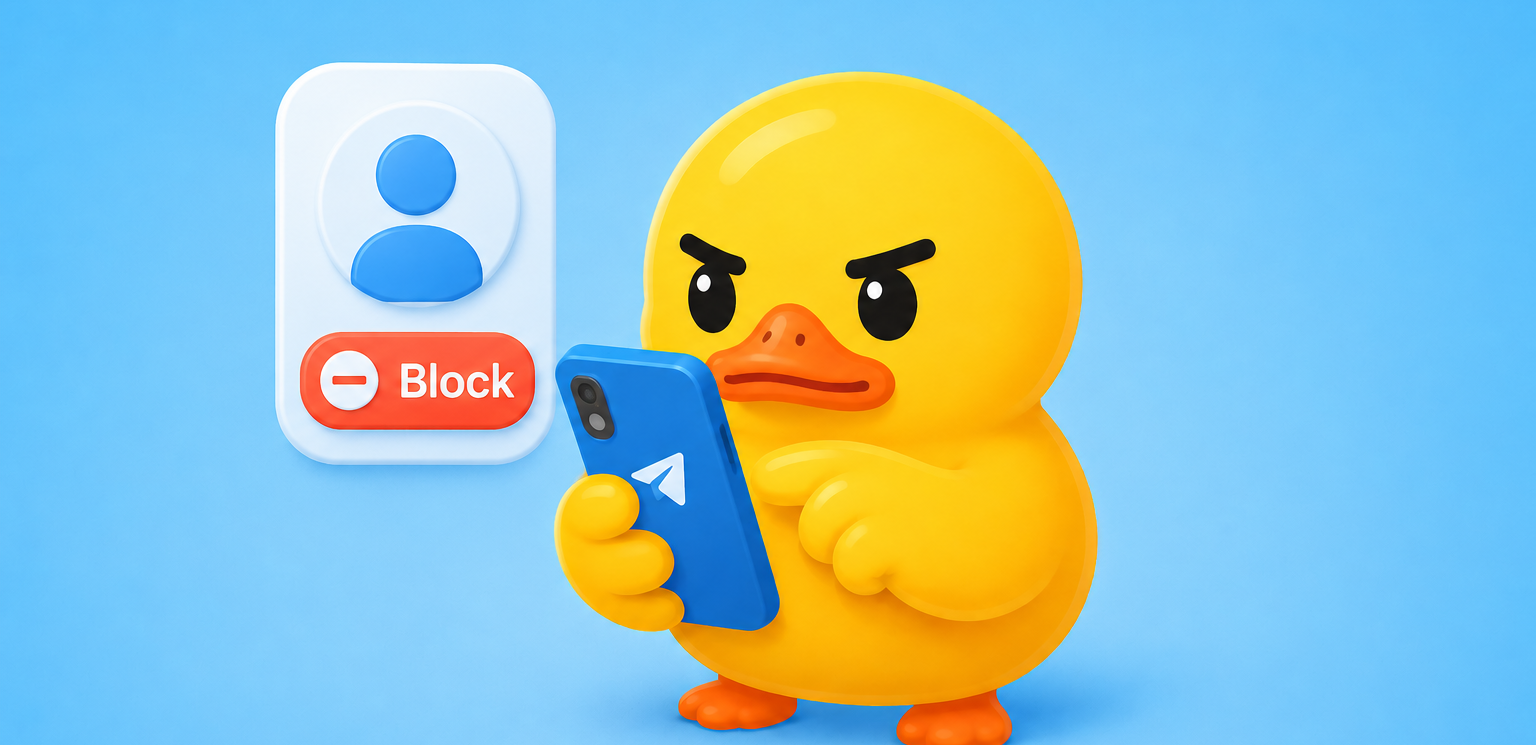
How to Know If Someone Blocked You on Telegram: Complete Guide for 2026
Telegram remains one of the most widely used messengers in the world in 2026, with millions of people relying on it every day for personal chats, work conversations, and private group discussions. But sometimes communication just stops. You send a message, get nothing back, and after days or weeks the same uneasy thought starts to surface: have I been blocked?
Telegram never sends a direct notification when someone blocks you. It's a privacy feature by design, but it also leaves a lot of room for guessing. Below, we break down exactly how to tell if someone has blocked you on Telegram in 2026. We've pulled together every reliable signal based on the latest app mechanics, including the March 2026 update, explained what each one actually means, flagged the false positives that trip people up, and laid out a simple verification method that works across mobile, desktop, and web.
How Blocking Works on Telegram in 2026
Blocking remains a simple unilateral action. A user can block you in two clicks: open your profile and tap “Block,” or go to Settings → Privacy & Security → Blocked Users → Add. Once blocked, your messages, calls, secret chats, and any new interactions stop reaching the person. Telegram does not notify you — this is done deliberately to keep everything private and secure.
Important to note: the old chat history stays visible on your side, and past messages do not disappear. But all future activity becomes completely one-sided. The core rules have not changed after the March 2026 update, which added new granular privacy tools and member tags in groups but left personal blocking mechanics untouched.
6 Main Signs That Someone Has Blocked You
One sign alone can mean almost nothing — it could be privacy settings or a long period of inactivity. But when 3–4 signs appear together, the probability of a block is very high. Here is the complete and up-to-date list for 2026 with explanations and reliability levels based on real user experience.
For this check you need to follow the steps below.
Step-by-step verification:
- Send a test message. Open the chat and write something short. If it stays on a single gray check for several days (even if you know the person is active), this is the first strong signal.
- Check the profile. Tap the contact’s name at the top. If you only see initials instead of the photo you remember, note it. (If there was never a photo, this method won’t work.)
- Look at the last seen status. Telegram shows three types: exact time, “last seen recently,” or “last seen a long time ago.” The last one combined with other signs is very suspicious.
- Try a voice or video call. Tap the phone or video icon. If the call fails instantly without ringing, it is another clear indicator.
- Attempt a secret chat. Open the profile → More → Start Secret Chat. An error usually confirms the block.
- Test with a group. Try to add the contact to a new or existing group. If it fails, and in shared groups you no longer see their reactions or can tap @mentions, the picture becomes very clear.
Definitive Three-Step Check (Works in 2026 on Any Device)
For maximum certainty, use this quick sequence:
- Send a short message and wait 1–2 days.
- Try a voice or video call.
- Attempt to add the person to a small test group.
If all three fail and you also see the missing profile picture and “last seen a long time ago,” you can be almost 100% sure you have been blocked. This method works equally on the mobile app, desktop version, and web client.
False Positives: What Can Look Like a Block but Isn’t
Telegram’s flexible privacy settings often create confusion. Here is what can mimic a block:
- The person hid their last seen and profile photo for everyone or for non-contacts.
- The account has been inactive for over 30 days (status freezes naturally).
- The user deleted their account entirely (you will see “Deleted Account” and a ghost icon).
- Temporary network issues or the person turned off calls for non-contacts.
Important to note: if messages still show two checks, calls go through normally, or the profile looks unchanged, you have not been blocked — the person is simply ignoring you or has strict privacy enabled.
What You Can and Cannot See After Being Blocked
You still see:
- All past messages and media in the chat
- The chat itself in your list
You no longer see or can do:
- New messages or calls from the person
- Their updated profile photo or exact online status
- Reactions and clickable @mentions in shared groups
- Ability to start secret chats or add them to new groups
Troubleshooting Mixed Signals
Sometimes the signs are mixed and you are not sure what they mean. Here are quick tips:
- Messages stuck at one check, but calls ring once then fail → Could be network issues. Wait a while before assuming a block.
- Only the profile picture is gone → Most likely privacy settings, not a block.
- Contact shows as “Deleted Account” → The person left Telegram entirely, not that they blocked you.
What Happens If You Block Someone
The situation is symmetrical. The person who's been blocked sees the exact same signs on their end. Telegram doesn't notify either side, so it all just looks like ordinary silence.
Respect Privacy and Move Forward
If every signal points to a block, the best move is to accept it. Blocking is a personal decision, and Telegram protects it for a reason. Trying to get around it with new accounts or workarounds rarely ends well.
Useful tips for 2026:
- Regularly review your own privacy settings so you do not accidentally hide information from important contacts.
- If you need to block someone yourself, do it calmly through the profile menu.
- Take advantage of the new privacy tools from the March 2026 update — they allow even more precise control over who sees your photo, status, and calls.
- Keep the app updated — new versions sometimes improve how status and calls behave.
Telegram makes communication convenient and secure precisely because it gives users full control over their personal space. If someone has decided to limit contact with you, treat it with understanding and focus on those who value your messages.
Now you have the most complete and accurate picture for 2026. If you notice several signs at once — you know exactly what it means. Stay safe and communicate with those who are happy to hear from you.









Editor’s pick